
08/10/2026 | 1 minute read
Scan. Pay. Done.
The simplest way to pay your premium
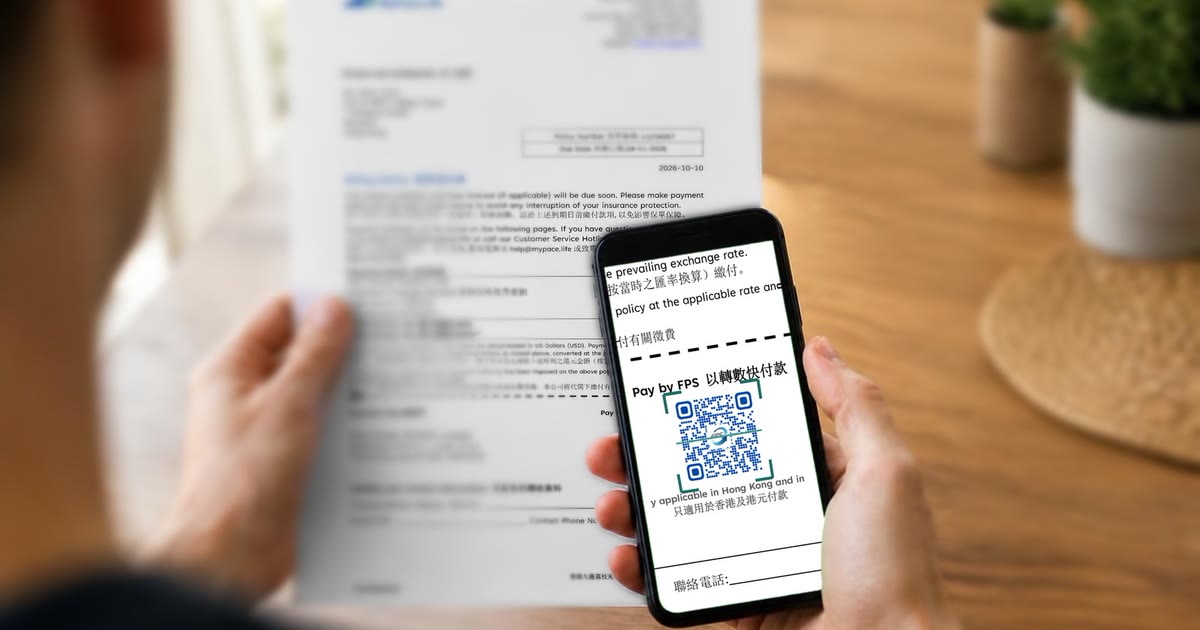
You can now pay your premium by Faster Payment System (FPS), simply by scanning the QR code on your Billing Notice. Just 3 simple steps to pay your premium in Hong Kong Dollars in Hong Kong. No manual input and no payment proof needed.
Fast, Convenient Payment Method
- Scan: Open your Hong Kong banking app, select “FPS Transfer” and scan the QR code under “Pay by FPS” on the payment slip of your Billing Notice.
- Pay: Check your name and the amount, then confirm.
- Done.
We will issue an official payment confirmation within one week from the payment date. There is no need for you to send us a payment proof.
Payment by FPS is only applicable in Hong Kong and in HKD.
FPS payment transaction limits are subject to your bank and individual account settings. Please contact your bank for details.